Topic 04 · Tools and output

Tools Through Delivery

Tools are the last decision, not the first. Once your story, capture and edit plan are clear, you can see exactly which link in the chain is weak, and spend money only there. Then deliver the finished story in the shape each audience will actually see.

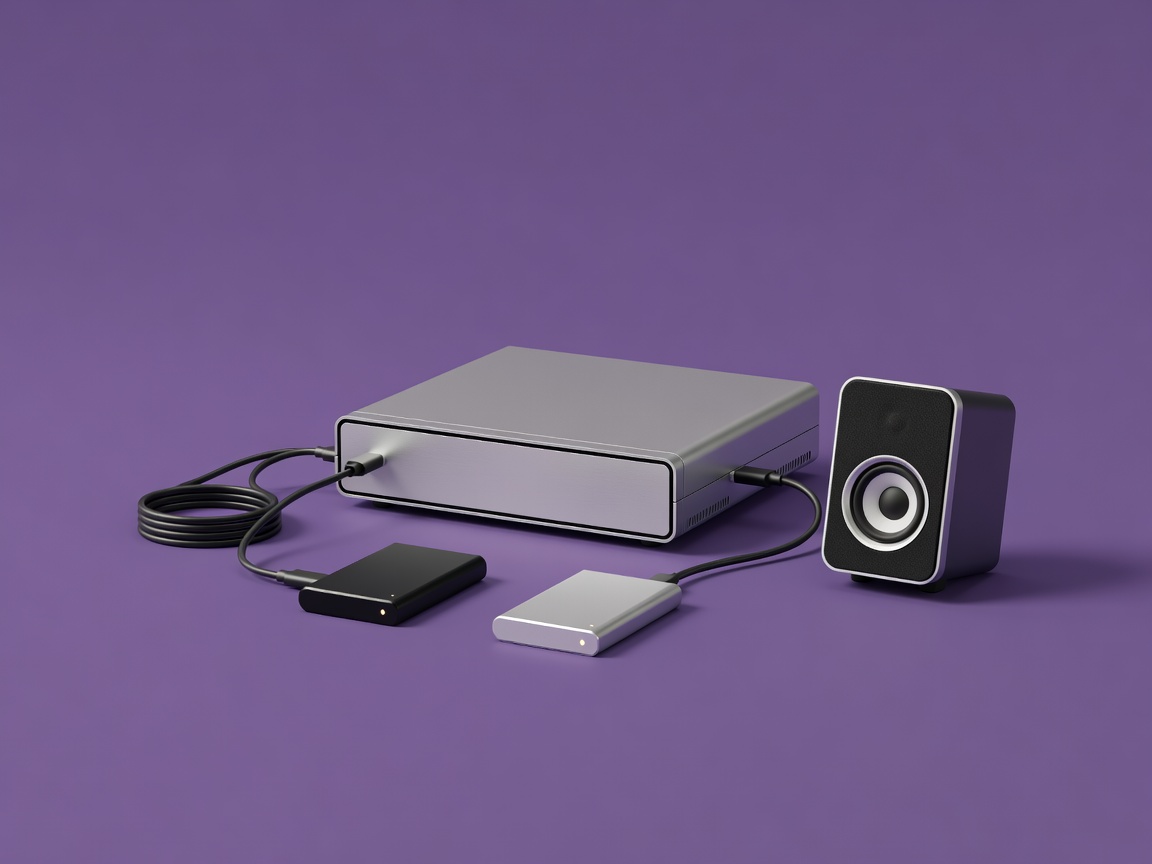
Soft-lit 3D render of a compact editing computer connected to two external SSD drives and a small speaker on a plain purple background
Render · editing workstation and storage
Tools 01 · Bottlenecks

Name the bottleneck first

Write down the single problem that most hurt your last project. Then try the free fix before considering a purchase.

BottleneckFree fix firstPurchase that helps
Room echo on voiceMic closer; blankets, rugs, a smaller roomDynamic or shotgun microphone
Noisy, dark footageWindow light, shoot earlier, lower contrast scenesA soft LED panel
Shaky shotsBrace elbows, wider lens, lean on wallsTripod with a fluid head
Laggy timelineProxy files, close other appsFast internal SSD, more RAM
Lost or messy filesFolder template and 3-2-1 routineSecond external drive
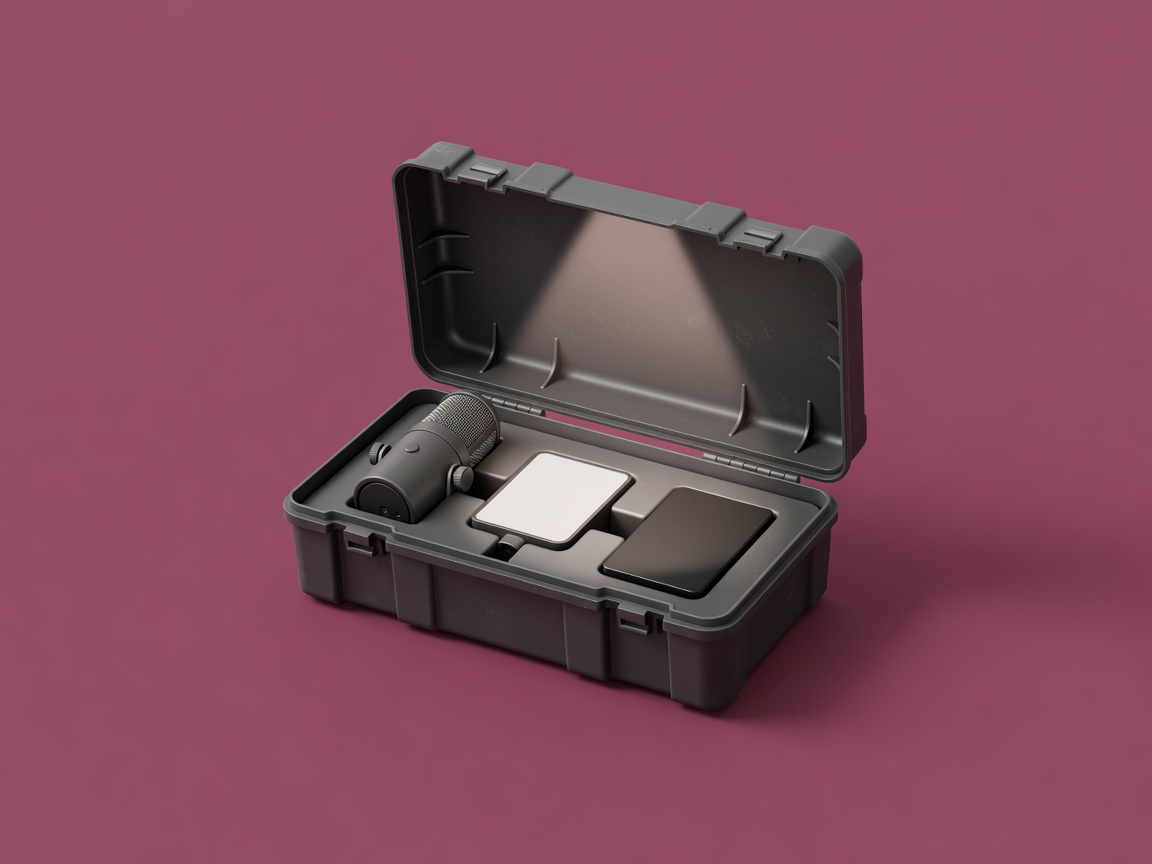
Soft-lit 3D render of an open toolbox containing a microphone, a small LED light and an SSD, with one item highlighted, on a plain aubergine background
Render · one tool for one problem
Tools 02 · Signal chains

Signal chains that stay simple

A signal chain is the path your image or sound travels from source to file. Quality is limited by the weakest link, so short chains with fewer adapters fail less often.

Video chain

  1. Light
  2. Lens
  3. Sensor
  4. Codec
  5. Card
  6. Drive

Voice chain

  1. Room
  2. Mic
  3. XLR
  4. Interface
  5. DAW

Notice the first link in both chains: light and room. Improving them costs little and improves everything after. A DAW (digital audio workstation) such as Audacity or Reaper is where you record and edit sound.

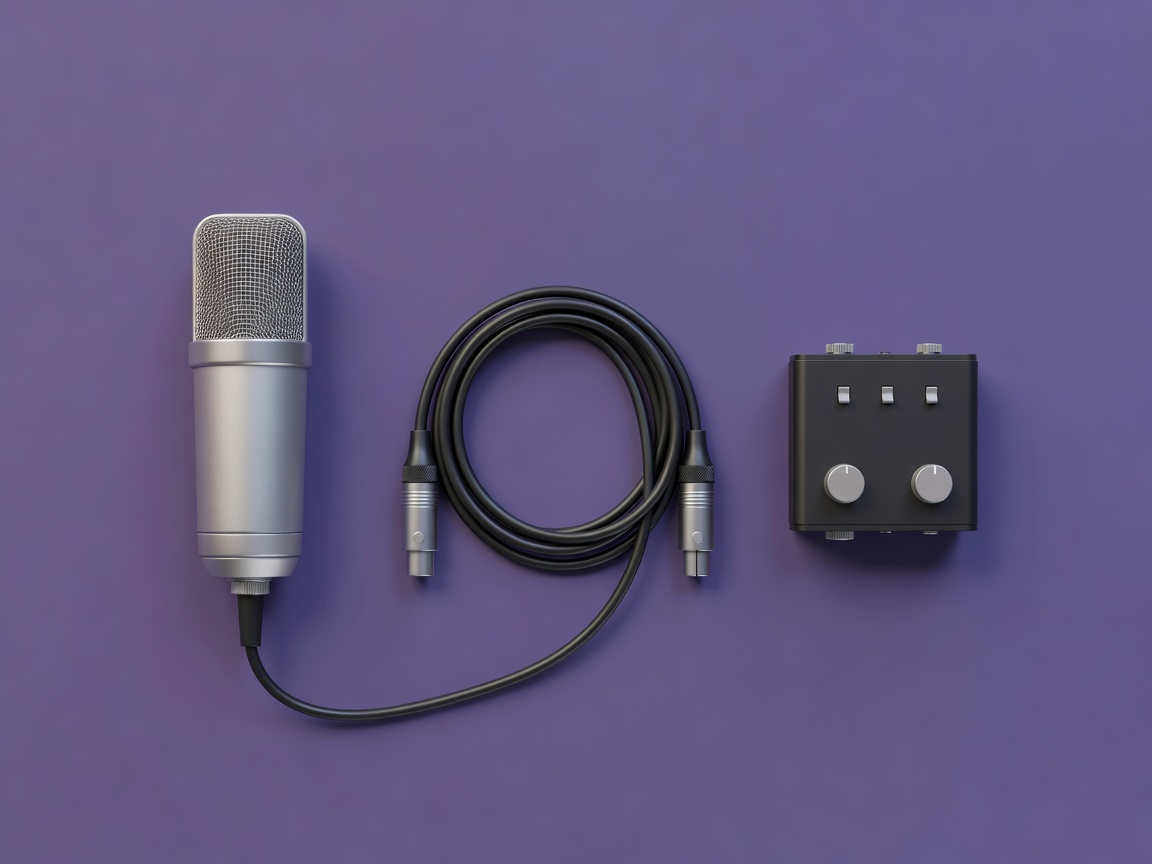
Soft-lit 3D render of a microphone, XLR cable and two-channel audio interface arranged in a line on a plain purple background
Render · voice signal chain
Tools 03 · Software comparison

Software that matches your workflow

Platforms and pricing models change; check the maker’s current terms before deciding. Every option below can finish a professional project.

Video editorPlatformsPricing modelFits when
DaVinci ResolveWindows, macOS, LinuxFree version; paid Studio licenceYou want editing, colour and audio in one app
Adobe Premiere ProWindows, macOSSubscriptionYou exchange projects with Adobe-based teams
Final Cut PromacOSOne-time purchaseYou work solo on a Mac and value speed
KdenliveWindows, macOS, LinuxFree, open sourceYou want a no-cost editor for simpler projects
Photo editorPlatformsPricing modelFits when
Lightroom ClassicWindows, macOSSubscriptionYou need a catalogue for large libraries
Capture OneWindows, macOSSubscription and licence optionsYou shoot tethered or need fine colour control
darktableWindows, macOS, LinuxFree, open sourceYou want raw processing without fees
Tools 04 · Delivery

Deliver for the format

Separate two kinds of file. Intermediate codecs such as Apple ProRes or Avid DNxHR are large but easy to edit and survive re-exporting. Delivery codecs such as H.264, HEVC (H.265) and AV1 are small and efficient for viewing. Export one high-quality master, then make every delivery version from it.

OutputAspectTypical sizeNotes
Landscape video16:91920×1080 or 3840×2160Main archive version
Vertical video9:161080×1920Keep text away from edges
Feed image or clip4:5 or 1:11080×1350 / 1080×1080Frame subjects centrally while shooting
Audio-onlyn/aWAV master, compressed copyCommonly around −16 LUFS
  • Master exported in an intermediate codec
  • Delivery versions made from the master
  • Captions proofread and exported as SRT or WebVTT
  • Loudness checked against the target
  • Alt text and description written for each upload
  • Content Credentials (the C2PA standard) added where your tools support it
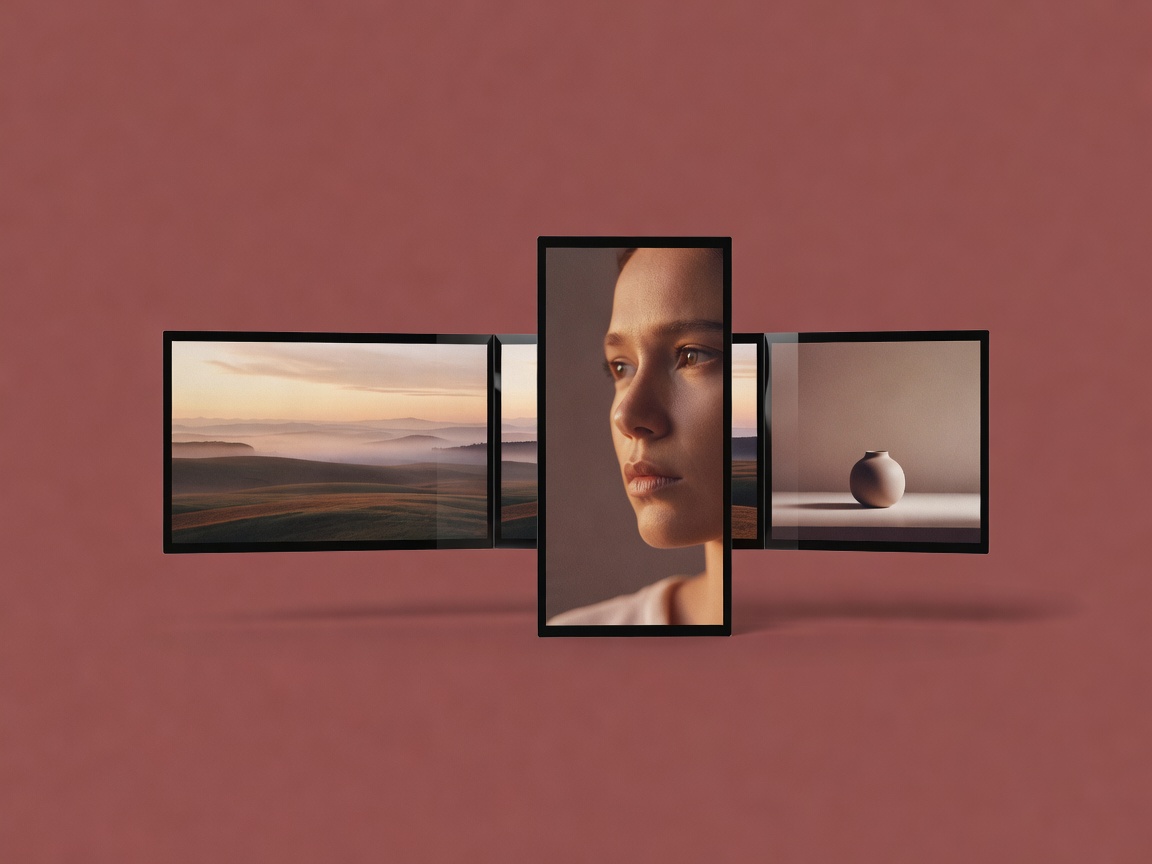
Soft-lit 3D render of a single film frame splitting into landscape, vertical and square screens on a plain aubergine background
Render · one master, many outputs